One subscription rarely looks like a major expense. Several charges arriving on different days are harder to keep in mind. Put them in one list to understand the total and their value, without assuming every subscription needs to go.
Use payment records, not memory
Check your payment history and the subscription settings of the services you use. Record the name, price, billing period and next renewal date. Keep the full amount of an annual payment visible: dividing it by twelve helps compare prices, but does not change when you pay.
Separate work and personal services. If an employer reimburses a subscription or someone shares the cost, record your actual share. Keep different currencies separate unless you have explicitly chosen a conversion rate.
Compare one consistent period
Our three example services cost $8, $15 and $4 each month. Together that is $27 monthly, or $324 over twelve months at unchanged prices. Uncheck a service to see the difference.
Your subscriptions over a year
Amounts in US dollars
All prices are monthly and unchanged. The checkboxes affect this example, not your subscriptions.
An illustrative example. Your changes stay on this page and are not saved.
Open calculatorThis model assumes monthly billing. It excludes trials, discounts, price changes, taxes and fees. If these are already included in your charge, enter that full amount. Unchecking a service here does not cancel a real subscription.
Decide what each service is worth to you
You might use one app every day, need another only for a project, and have forgotten a third after a trial. “Will I use this before the next renewal?” is often more useful than comparing the price with a coffee.
You might keep it, choose another plan or stop the renewal. Before paying annually, consider whether you expect to use it for that long. A lower monthly equivalent still means paying a larger amount now.
Finish the action
Cancel through the place where you subscribed. Deleting an app is not confirmation of cancellation. Find the confirmation, check when access ends and keep a copy. The details depend on the service and where you bought it.
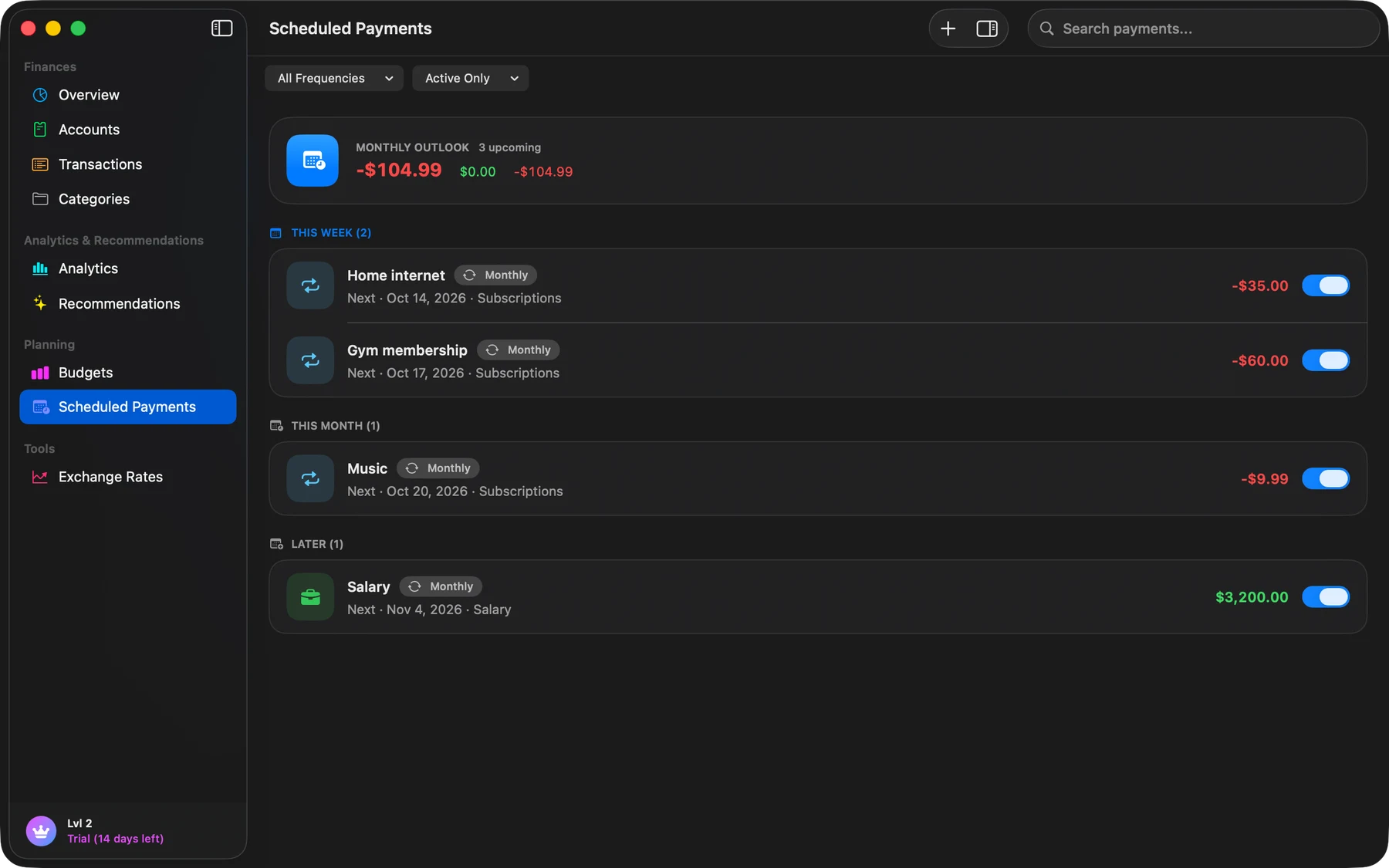
Planned payments in Finik can keep future costs visible. Update your records after a plan change or cancellation; a spending tracker does not carry out that action with the provider.
Revisit before the next large renewal
A four-column list is enough: service, amount, date and decision. Review it before a meaningful renewal rather than waiting until a charge surprises you.
FTC: Free trials and auto-renewals discusses checking renewal terms and keeping cancellation records. We use those practical steps here, without assuming one country’s rules apply to every subscription.